👑 Elegant and Functional Case for Samsung Galaxy Tab S10 FE Plus (13.1 inch)
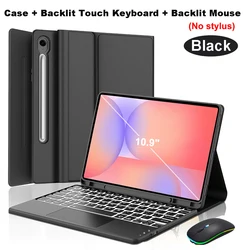
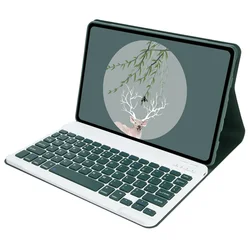
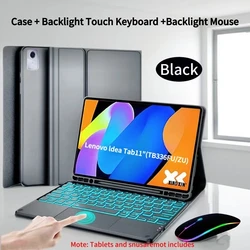
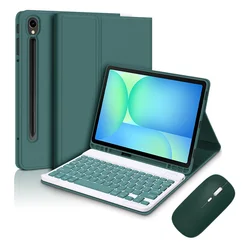
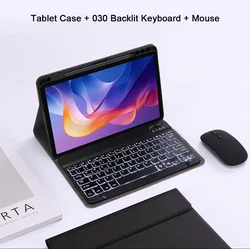
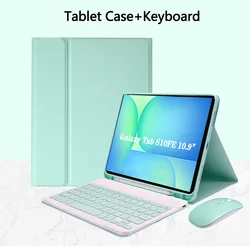
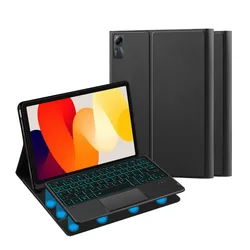
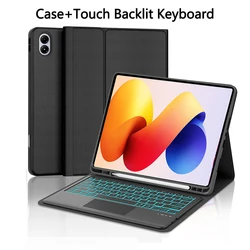
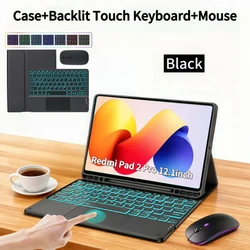
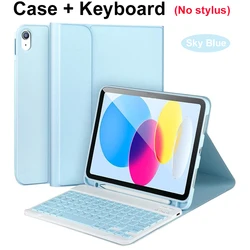
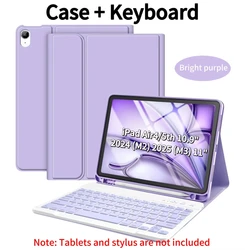
💥 Introducing the premium case designed specifically for the Samsung Galaxy Tab S10 FE Plus. This stylish case not only protects your device but also elevates your productivity with its detachable keyboard and integrated pen holder. Tailored for models SM-X620 and SM-X626B, this case offers a perfect fit, ensuring that your tablet is safeguarded from scratches, drops, and everyday wear and tear.
🔧 Product Features:
- Compatibility: This case is exclusively compatible with the Samsung Galaxy Tab S10 FE Plus 13.1 inch. Confirm your model easily by checking the back of your tablet or navigating to the 'Settings' menu.
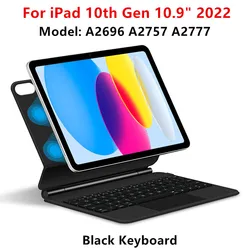
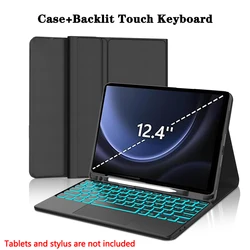
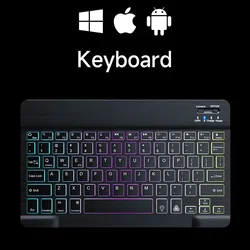
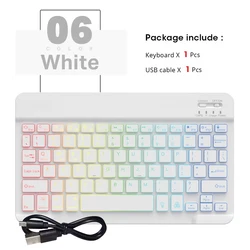
- Detachable Keyboard: Effortlessly switch between tablet mode and laptop functionality with the detachable keyboard, designed to enhance your typing experience.
- Pencil Holder: Keep your stylus within easy reach with the integrated pen holder, perfect for those who rely on their stylus for note-taking or artistic endeavors.
🪶 Setup and User Guide:
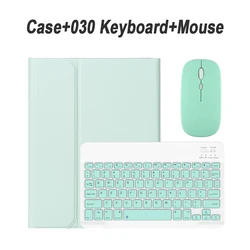
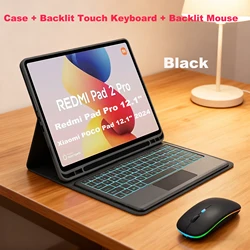
💍 Setting up your keyboard and mouse is straightforward. Begin by connecting the mouse before pairing the keyboard to ensure a seamless experience:
- Mouse Connection: Toggle the switch to the "Bluetooth" icon, locate your mouse in your device’s Bluetooth list, and connect.
- Keyboard Connection: Turn on the keyboard using the upper right corner switch and pair it by selecting it from the Bluetooth list. For the touchpad keyboard, open it, press Fn+C, and then connect.
🔵 Frequently Asked Questions:
- Connecting the Mouse for the First Time: Ensure to press the left button, right button, and scroll wheel simultaneously for 3-5 seconds when connecting for the first time.
- Scroll Direction: Note that the scroll direction differs between USB connectors and Bluetooth connections.
- System Switching: Use Fn+Q for Android, Fn+W for Windows, and Fn+E for iOS. Switch systems before connecting the tablet.
- Keyboard Language Settings: If letters appear incorrectly, verify your device's keyboard language settings, ensure the device recognizes the Bluetooth keyboard properly, and reset if required.
- Configuring Input Methods: Access the settings on your Samsung tablet to add new keyboard language options as needed.
🔘 Note: This package does not include the tablet or stylus; only the case and keyboard are included. Product color may vary slightly from images displayed for reference.